Transform Your Home Office: Declutter for Maximum Productivity

Working from home offers flexibility and comfort, but it can also bring clutter and distractions. A messy workspace often leads to a cluttered mind, making it harder to focus and get things done. If your home office has become a magnet for dust, papers, and random items, it’s time to hit the reset button. Clearing your desk can clear your mind, helping you work smarter and feel more in control.
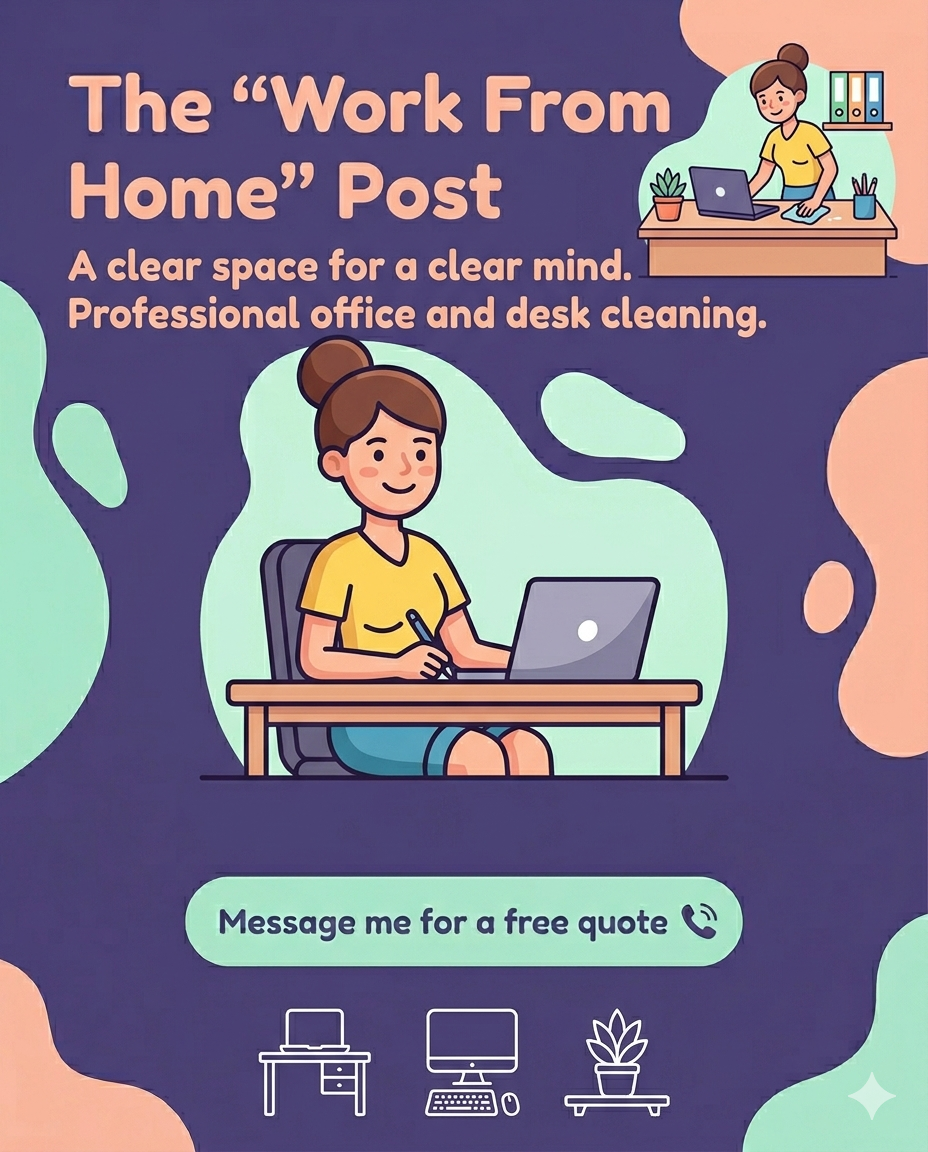
Why a Clean Desk Matters for Productivity
A cluttered desk can cause stress and reduce your ability to concentrate. When your workspace is messy, your brain has to work harder to filter out distractions. This can slow down your thinking and decision-making. On the other hand, a clean desk helps you:
Focus better by reducing visual distractions
Find important items quickly without wasting time searching
Feel more motivated to work in a pleasant environment
Maintain a professional mindset even when working remotely
Studies show that people with organized workspaces tend to complete tasks faster and with higher quality. The physical act of tidying up can also give you a mental boost, signaling a fresh start.
Steps to Declutter Your Home Office
Clearing your desk doesn’t have to be overwhelming. Follow these simple steps to create a workspace that supports your productivity:
1. Remove Everything
Start by clearing your desk completely. Take everything off the surface and sort items into categories: keep, relocate, or discard. This helps you see what you really need and what’s just taking up space.
2. Clean the Surface
Once your desk is empty, wipe it down to remove dust and dirt. Clean your keyboard, mouse, and any other equipment. A clean surface feels inviting and ready for work.
3. Organize Essentials
Put back only the items you use daily. Keep your laptop, notebook, pens, and a few personal touches like a plant or photo. Use organizers or trays to keep small items tidy.
4. Manage Paperwork
Paper clutter can pile up quickly. Sort through documents and file or shred what you don’t need. Consider going digital for bills, receipts, and notes to reduce paper build up.
5. Create Zones
Designate areas for different tasks or items. For example, keep your computer in the centre, a writing area to one side, and storage for supplies nearby. This helps you stay organized and efficient.
Tips to Maintain a Clutter-Free Workspace
Keeping your desk clean is easier when you build good habits. Try these tips to maintain your tidy home office:
End each day with a quick tidy-up to start fresh tomorrow
Limit personal items to a few meaningful pieces to avoid distractions
Use cable organizers to keep cords neat and out of sight
Schedule regular deep cleans to prevent dust and dirt buildup
Set boundaries for work materials so they don’t spill into other rooms
When to Call in Professional Help
Sometimes, the mess can feel too big to handle alone. If your home office has become a clutter hotspot, professional cleaning services can help you reset quickly. They bring the right tools and experience to deep clean and organize your space, so you can focus on your work without the stress of tidying.
Getting a free estimate from a professional cleaner can be the first step toward reclaiming your workspace. They can tailor their services to your needs, whether it’s a one-time deep clean or regular maintenance.
Benefits Beyond Productivity
A clean home office doesn’t just improve work performance. It also:
Reduces allergens like dust and pet hair, improving air quality
Creates a calming atmosphere that supports mental well-being
Makes your space more inviting for video calls or meetings
Encourages better posture by freeing up space for ergonomic setups
By investing time or help into decluttering, you’re investing in your health and happiness.


Comments